5 New Ways to Make Building Your Own Playbill Programs Faster With the New and Improved Playbillder
Playbillder is the only authorized way to get an authentic Playbill program for your local show or event, but it can also be a real time saver.
By Bryan Campione


Nothing says Broadway to a theatergoer more than a fresh, crisp Playbill program as you enter the theatre, with that iconic black-and-yellow logo on the cover instantly letting everyone know they're in for a night of true theatrical magic. But Playbill programs aren't just for Broadway. We've been giving schools, churches, and other community groups the ability to make their own Broadway-quality Playbill programs since 2014 with Playbillder, the only authorized way to get that Broadway seal of approval with our iconic logo on the cover.
But Playbillder isn't just about the Playbill logo, proud of it as we may be. Playbillder was designed from the ground up to make the usually complex and tedious job of program making as easy and seamless as possible, which means you can make a professional-quality program for your local production while also saving valuable time and cutting back on chaos.
And while that's been the case since we launched more than 10 years ago, it's never been more true than right now. Fresh off the launch of the new and improved Playbillder, which we re-built from the ground up in close consultation with many of our most prolific users, making Broadway-quality programs has never been easier or faster.
Let's look at five ways the new and improved Playbillder is making it faster than ever to build your own authentically Broadway-style Playbill program. If you want a more comprehensive how-to on using Playbillder, head here.
Playbill Express
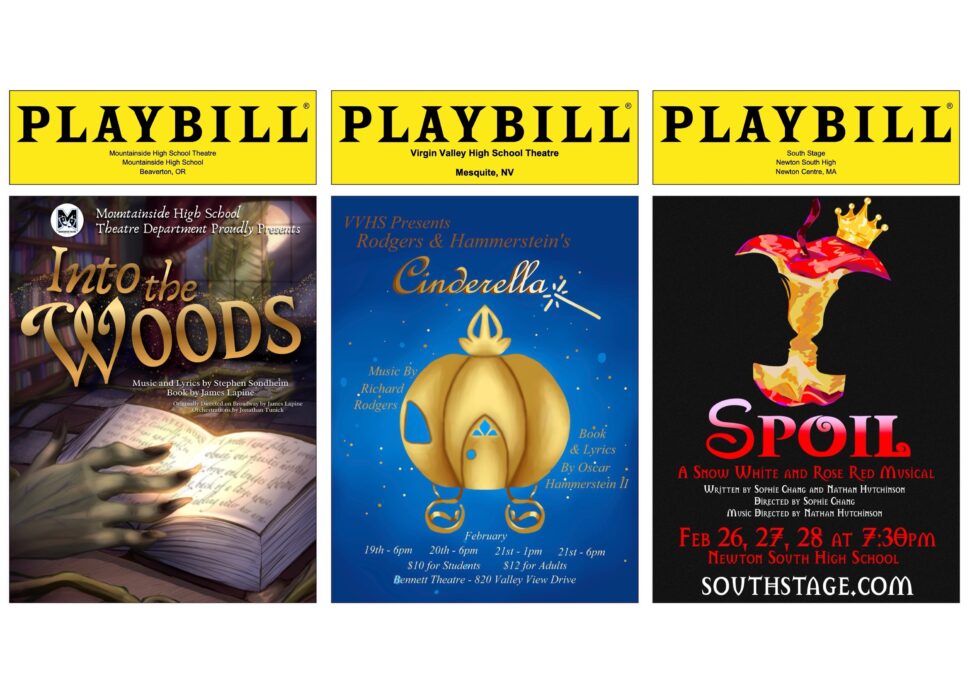
If you’ve looked at your licensing contract, you know that the amount of information you’re required to include—and especially the formatting stipulations within those requirements—can be a little daunting when it comes time to create your program. Never fear: for more than 1,500 of the theatre's most-produced shows, we’ve gone directly to the licensors to get everything we can pre-populated in your program without your having to type anything. This will cover the full song list, character list, and all of the writer names and other legal information that your licensing company requires in your program. Using our pre-filled templates, you don’t have to worry about missing anything or misspelling a writer’s name or song title. With Playbill Express, almost everything that isn’t the names of the people doing your specific production is taken care of before you’ve even lifted a finger.
New Headshot Templates
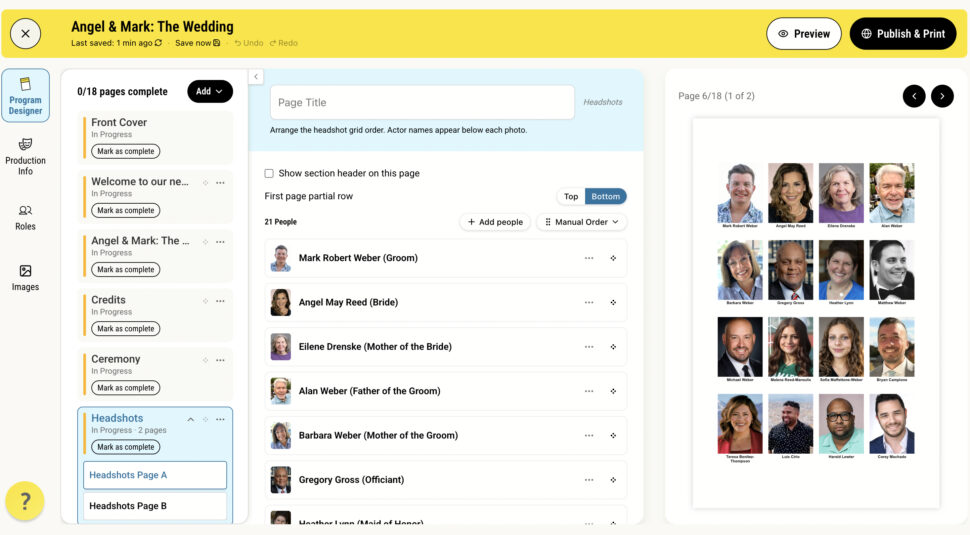
When we launched Playbillder, we had one template for both actor bios and headshots, mimicking how many of our Off-Broadway and regional theatre partners layout their Playbill programs. With the new and improved Playbillder, we’ve kept that original template while also newly adding the ability to have Broadway-style separate headshot and actor bio sections. More options means more flexibility! Longtime users will also be happy to know that using these new templates doesn’t change how you enter your actors’ names, bios, and headshots. All of this is still centralized to make entry as fast and simple as possible.
Drag and Drop Pagination
Adding and moving sections within your Playbill program is easier than ever in the new and improved Playbillder. In the new system, changing the page order of your program is as easy as dragging and dropping, just like you’re used to doing on your home computer. In the new Playbillder, you aren’t limited to a single instance of any of our templates. This means that you can now have multiple short bursts of ad and photo pages—or anything else you like—mixed in with your other program content, just like Broadway Playbill programs.
Publish Online or In-Print
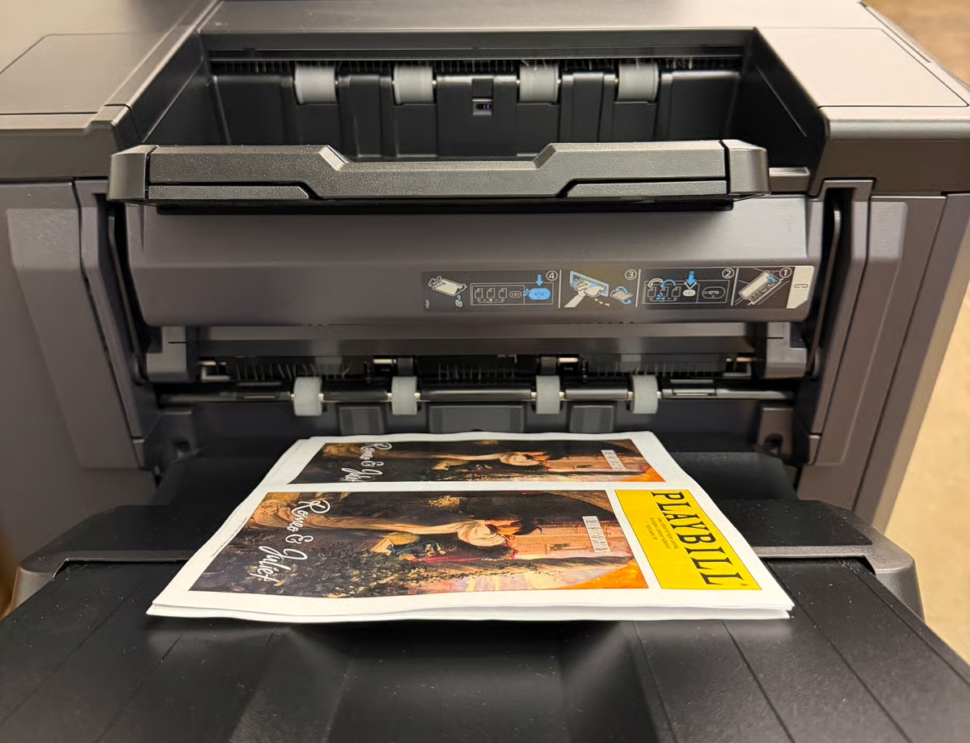
Playbillder is there for all of your Playbill program needs, whether you want to give that to your audience as a traditional print booklet or as an online link that patrons can flip through right on their smart phone. And since we have both avenues available, a great option to remember is offering your audience both options! Make a QR code for your Playbillder program’s public link, and post it near the theatre’s front doors where audiences go on their way to their seats.
Playbill Support
We know how technology works. We work very hard to make Playbillder as simple to use as possible, but sometimes computer gremlins prevail—and, of course, they tend to prevail in the final hour when deadlines are fast approaching. Never fear! We have an expert support staff standing by to help you one-on-one, with office hours running Monday to Friday 8 AM–4 PM ET. During those hours, you can speak to someone (a human someone) directly using the chat window on all pages of Playbillder.com—just click the circular question mark icon in the lower left-hand corner of your screen. You can also reach our support team by email 24/7. And we won’t keep you waiting for a response. During business hours, you can expect a reply within hours. Otherwise, someone will review your issue as soon as possible the next business day.
Ready to start building?
Join thousands of other organizations and make your next production unforgettable.


